

Privacy Mode
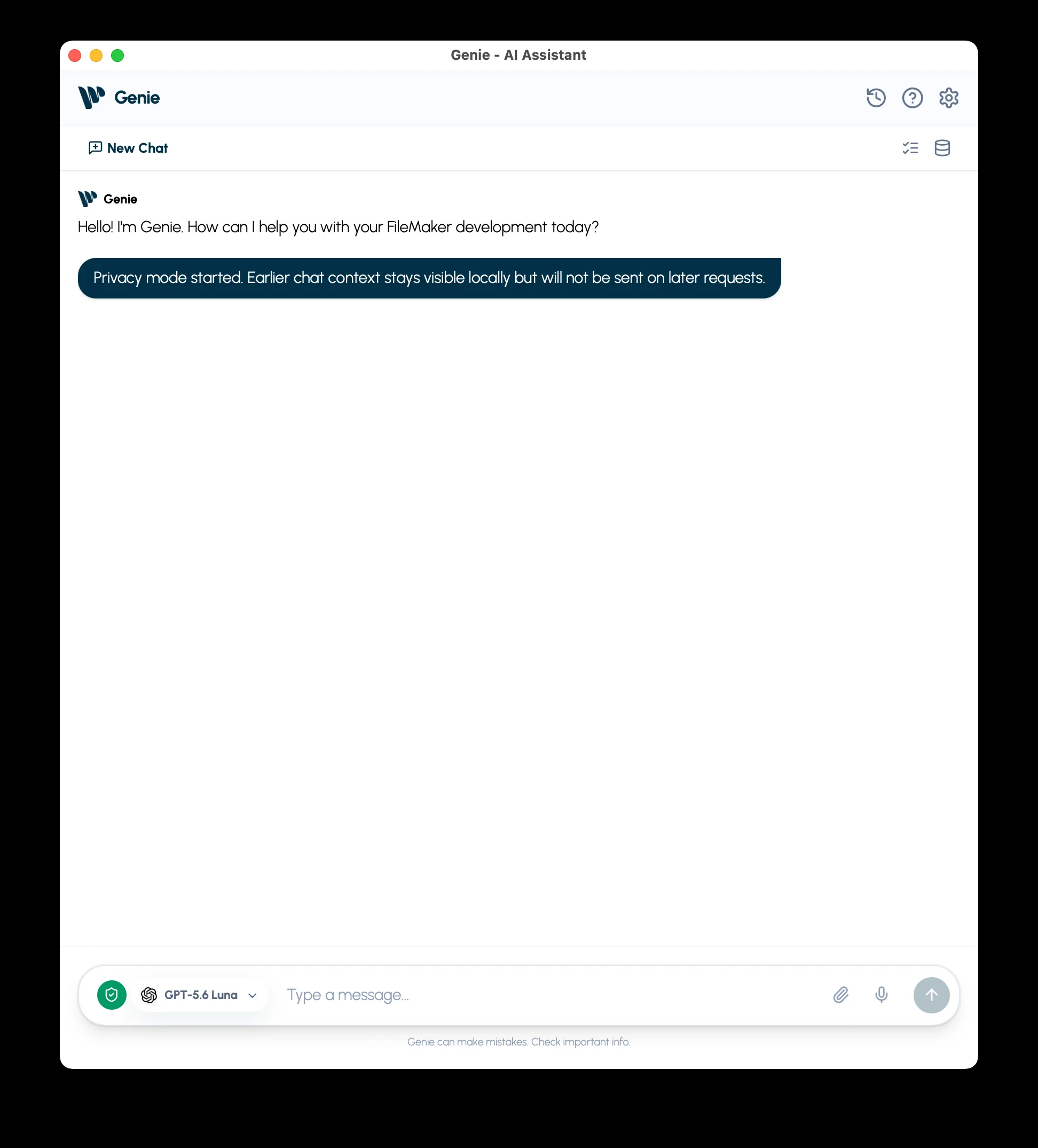
Privacy Mode limits which FileMaker information Genie can read for your request. Turn it on with the Privacy button in the Genie panel toolbar, or the shield in the main window’s composer. Then select the allowed items in Metadata Explorer.
Choose what chat can read
Section titled “Choose what chat can read”- Turn on Privacy Mode with the Privacy button in the Genie panel toolbar, or the shield in the main window. The shield turns green when active.
- Open Metadata Explorer and select only the items needed for the task.
- Review the selected fields and any dependencies shown for selected scripts.
- Send your request in the same chat.
An empty selection permits no live FileMaker reads. Selecting a table does not automatically include all its fields. Asking for more context in the prompt does not expand the selection.
What changes while it is on
Section titled “What changes while it is on”Genie starts a fresh provider context. Earlier messages remain visible locally but are not sent again as part of that context. Chat also leaves out the selected Script Workspace lines, attachments, project guidance, personalization, Web Search, and product issue reports.
Some operations are unavailable under Privacy Mode, including live layout inspection and storing Web Viewer content in the file. If Genie cannot read a needed item, review the allowed selection or use a task that fits it.
Your new prompt and allowed context still go to your selected AI provider. Text you type or paste into the prompt is part of that request. Privacy Mode does not undo information already sent or change your provider’s data policy.
External clients have a separate setting
Section titled “External clients have a separate setting”For Codex, Cursor, Claude Desktop, or another connected client, use Settings > Local MCP > Privacy mode. The chat shield and Local MCP setting control their own channels independently.
With Local MCP privacy enabled:
- Clients can read only the FileMaker items allowed in Metadata Explorer.
- An empty selection shares no live FileMaker data.
- Query and every Evaluate request require a fresh confirmation in Genie. The confirmation shows the exact SQL or calculation. A calculation you allow is not limited to your selection: through
ExecuteSQL,GetField, or related fields it can read any table the FileMaker account can open. - Broader live resources and product issue reporting are unavailable; shipped reference guides remain accessible.
Keep record values out: Record data
Section titled “Keep record values out: Record data”Privacy Mode limits which FileMaker items Genie may read at all. If you only want to keep record values away from AI agents, while they keep working on your solution’s structure, use Settings > Advanced > Extensions & Privacy > Record data instead.
With Record data: Structure only:
- Agents can still read and build scripts, layouts, fields, custom functions, value lists, and relationships.
- Genie never returns field values, query rows, record counts, or calculation results.
- Query runs only on FileMaker’s schema catalogs (
FileMaker_Tables,FileMaker_Fields,FileMaker_BaseTableFields). A query preview still works because it runs nothing. - Evaluate checks a calculation’s syntax with FileMaker but does not run it.
- Reading fields of the current record is off. The current-context read leaves out the record, the found count, and the window name.
- A script can still run after you confirm it, but its result does not come back to the agent. Run scripts automatically is ignored, so every run asks first.
- Data changes always wait for your review, even with Auto apply on. The preview does not show how many records a change affects.
The setting applies to the Genie Agent, Claude Code, Codex, and Cursor in Genie, and apps connected through Local MCP. When you lower it, Genie stops the current Agent request, clears what it kept for earlier turns, and starts new engine sessions. Earlier messages stay visible but are no longer sent to the model.
It does not control:
- other MCP servers on your computer;
- apps you add in Connections;
- values you type or paste into a prompt;
- values already sent to a provider;
- data written into structure, such as custom values in value lists, text in scripts and calculations, or layout text.
It is a Genie setting on this Mac. FileMaker accounts and privilege sets remain your real access control.