

AI providers
Genie uses your own AI provider account. The provider bills model usage, separately from your Genie plan.
Watch: connect OpenAI
Section titled “Watch: connect OpenAI”Start with this tutorial to connect your first AI provider using OpenAI. The written setup steps below also cover other providers.
Configure a model
Section titled “Configure a model”- Open Settings > Models.
- Enter the credentials for your provider: OpenAI, Anthropic, Google, xAI / Grok, or Custom / Local.
- Choose the provider and model.
- Set Agent reasoning and read its model-specific explanation. Reasoning guide.
- Save and try a short question in Genie.
Genie uses one provider and model setting. You can also change the model from the composer.
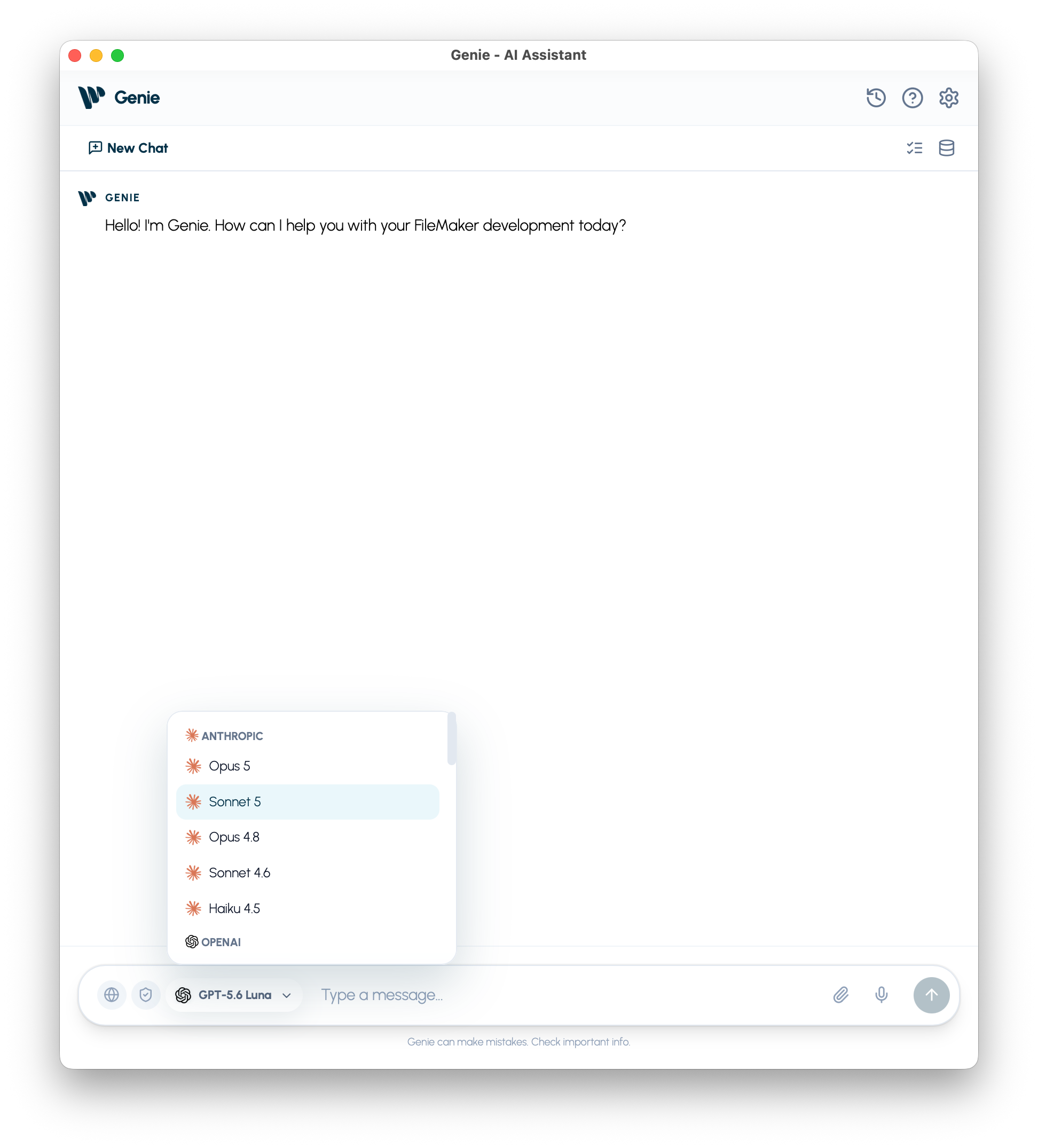
Use your own Claude Code or Codex
Section titled “Use your own Claude Code or Codex”On macOS, you can also use the Claude or ChatGPT plan you already have. In Settings > Models, install and connect Claude Code or Codex under Your own agent, then choose it in the composer’s model menu. No API key is needed. Usage comes out of your own plan’s limits, and by default you review every change it proposes. Claude Code and Codex.
Custom / Local
Section titled “Custom / Local”Configure an OpenAI-compatible endpoint, exact model ID, and any required token. Use Test Connection before saving. Tool calling, images, and reasoning support vary by server and model; a connection test does not prove every capability. Local model setup.
Capabilities vary
Section titled “Capabilities vary”Choose a compatible model for image attachments or tool-based tasks. Web Search is available only on supported provider routes. If a feature is unavailable, check the selected model and its Settings explanation.