Permissions and SQL Errors
Check the actual FileMaker error before changing permissions.
Error 825: Cross-file authorization
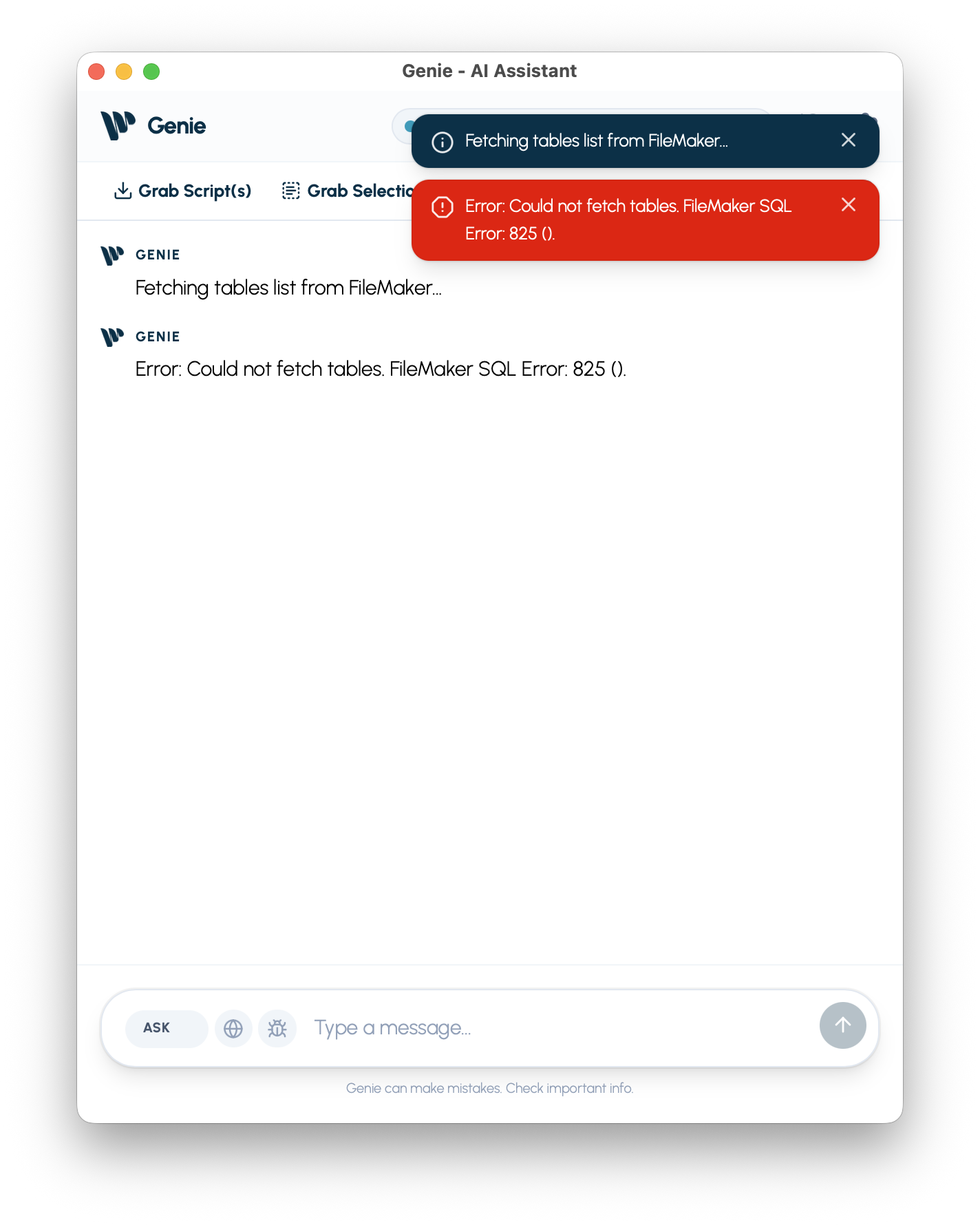
Section titled “Error 825: Cross-file authorization”- Symptoms:
Could not fetch tables,FileMaker SQL - Error 825(), or the Metadata Explorer is empty. - Cause: FileMaker reports that one file is not authorized to reference a protected file. An empty Metadata Explorer alone does not establish this cause.
The fmplugin privilege controls certain plug-in operations between files, including SQL and script execution. It is not a blanket requirement for reading metadata from the current file. FileMaker still enforces the account’s access rights. See Claris: controlling plug-in access between files.
How to Fix Error 825
Section titled “How to Fix Error 825”Ask your FileMaker administrator to check the source and target files and their authorization. If cross-file plug-in access is intended, the administrator can authorize the files or configure an appropriate fmplugin or plug-in-specific privilege. Do not grant Full Access just to load metadata.
If the administrator chooses to enable fmplugin, use these steps:
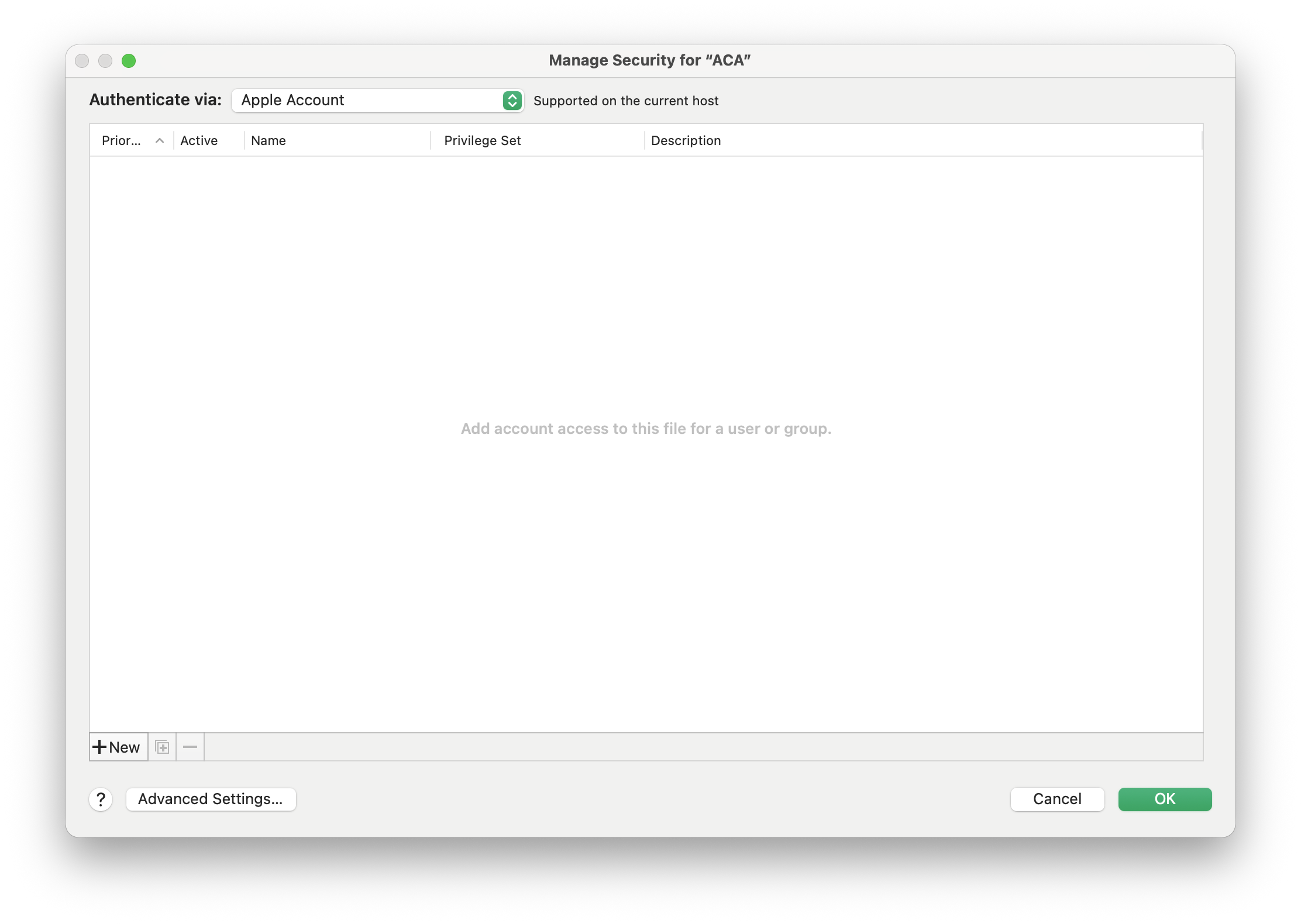
- Go to File > Manage > Security…
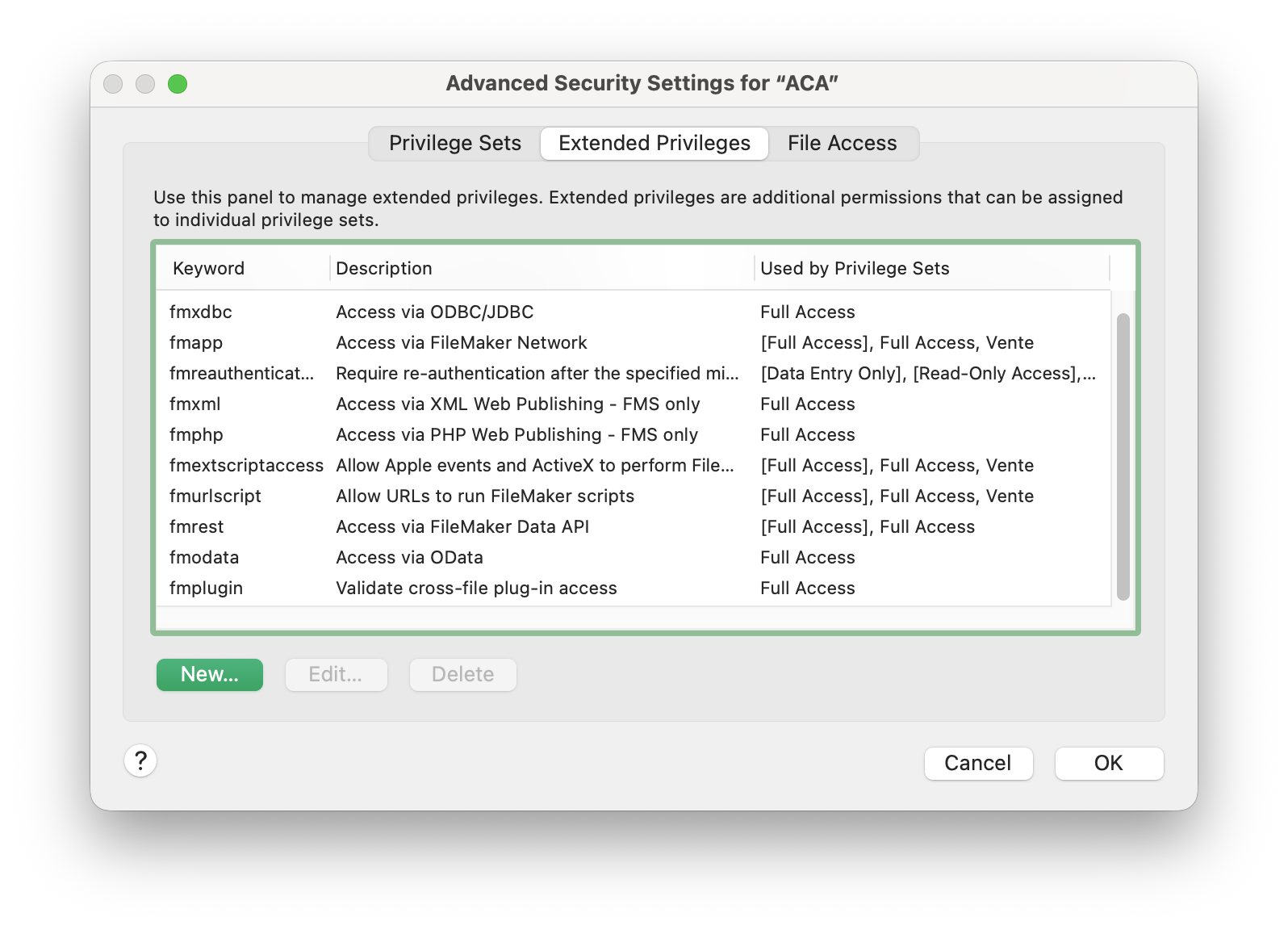
- Click on the Advanced Settings… button.
- Select the Extended Privileges tab.
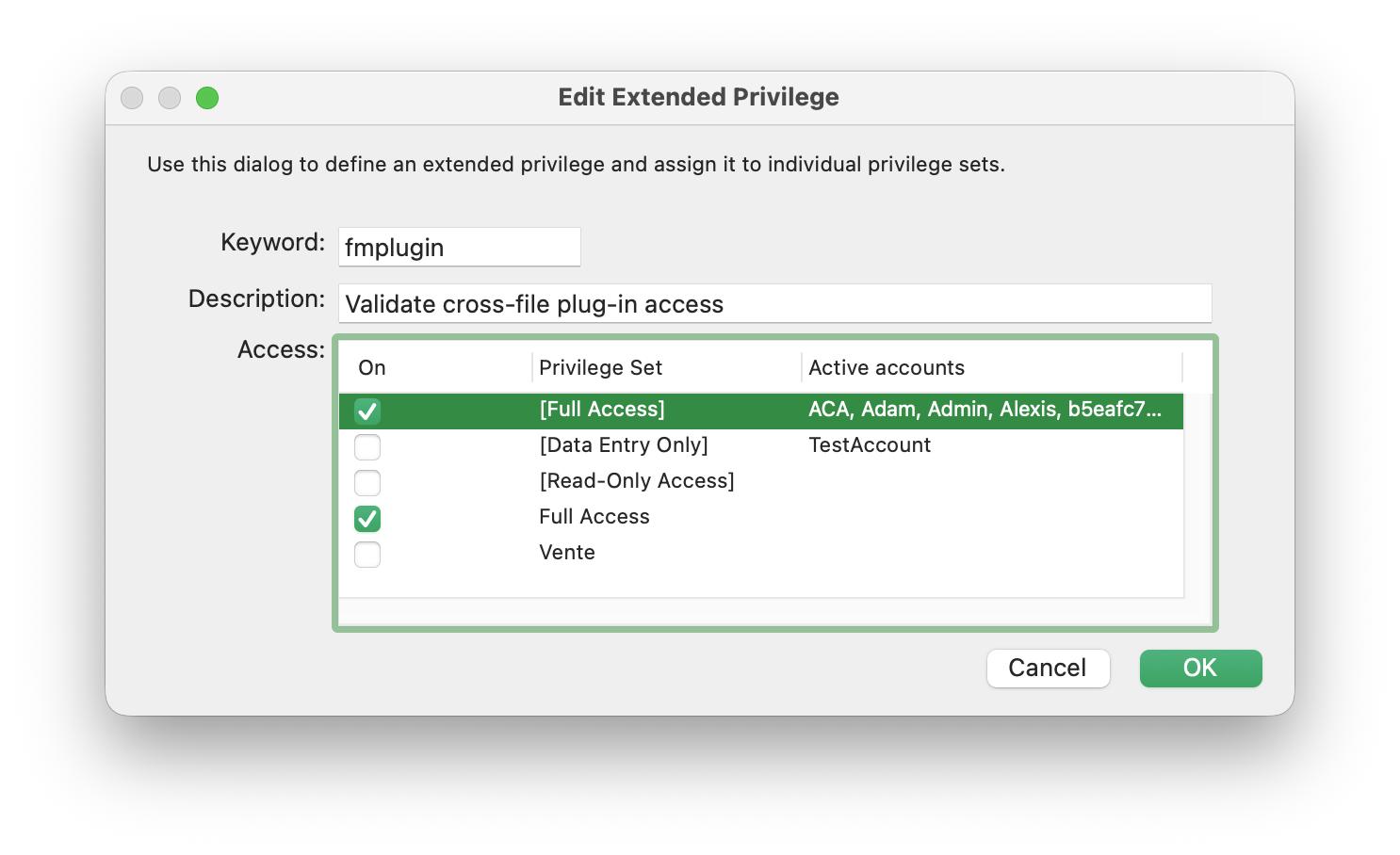
- Scroll down to find the keyword fmplugin. Click to edit.
- In the Privilege Sets list, select only the privilege sets intended to receive this access.
- Click OK to save all changes.
- Refresh metadata in Genie and check whether the actual SQL error is resolved.
Visual Guide
Section titled “Visual Guide”Step 1: Open Security Management
Step 2: Find Extended Privileges
Step 3: Enable fmplugin
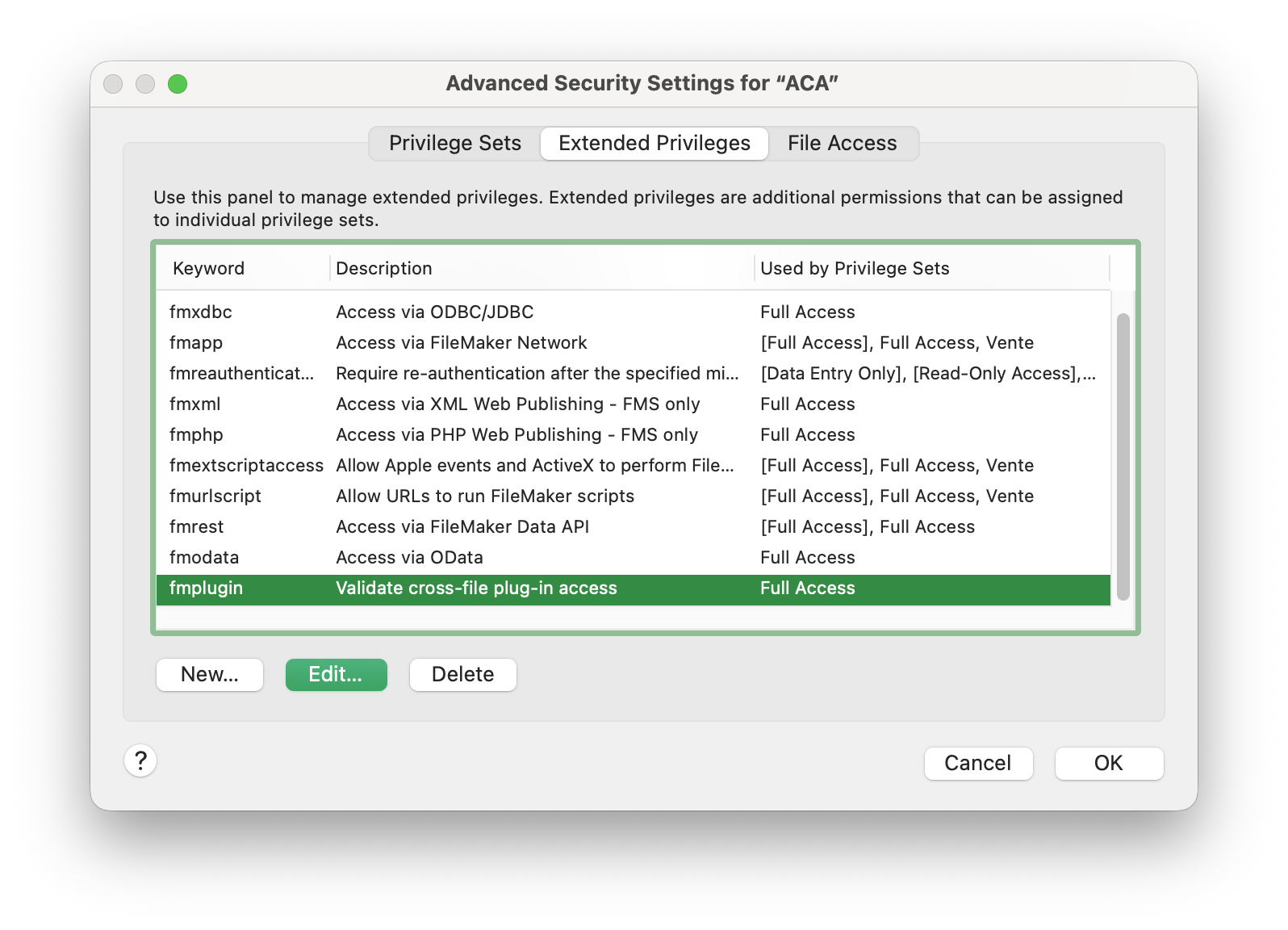
Step 4: Assign to your Privilege Set