Workbench
Workbench has two jobs:
- It holds changes prepared by external agents, such as Codex, Cursor or Claude Desktop, connected through Local MCP. You review each one before anything changes in your file.
- It lists the changes Genie applied in Auto apply, with their real outcome, so you can check them and undo some of them.
Changes you ask for in the Genie chat appear in the chat for review. They do not go through Workbench. Changes proposed by Claude Code or Codex inside Genie appear in the chat as a card; Workbench holds them only when a card cannot be shown.
Workbench actions require a paid plan.
Where it appears
Section titled “Where it appears”Click Workbench in the toolbar of the Genie panel, in Script Workspace or in Layout mode. In the full Genie window, use the checklist icon.
Pending and Submitted
Section titled “Pending and Submitted”The switch at the top separates two lists:
- Pending: items waiting for your review or action.
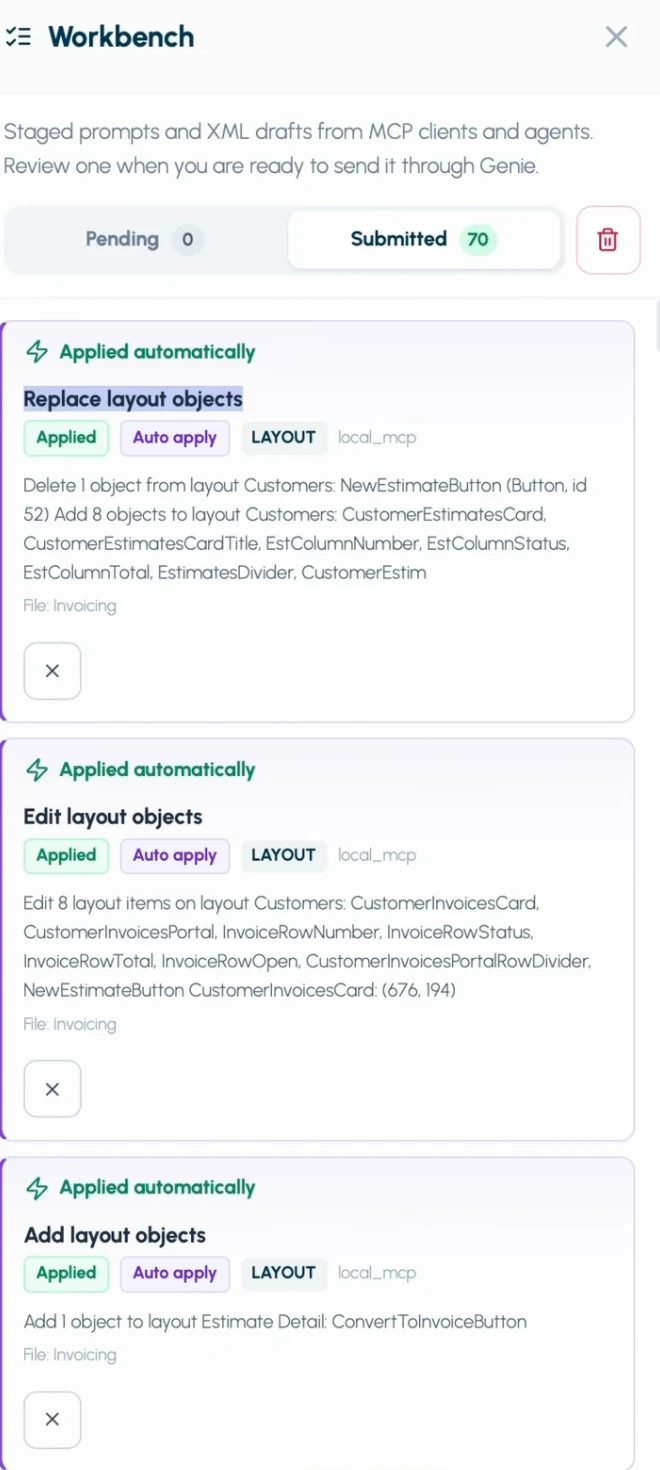
- Submitted: items already sent to Genie, and every change Genie applied in Auto apply. Auto apply changes have a Auto apply badge and show the real outcome. The list survives restarts.
On the Submitted tab, the small trash button removes all submitted items at once. Genie asks for confirmation first and leaves Pending items untouched.
What an item shows
Section titled “What an item shows”Each item shows:
- a title and the kind of change: script, data or layout
- the agent that sent it
- its status
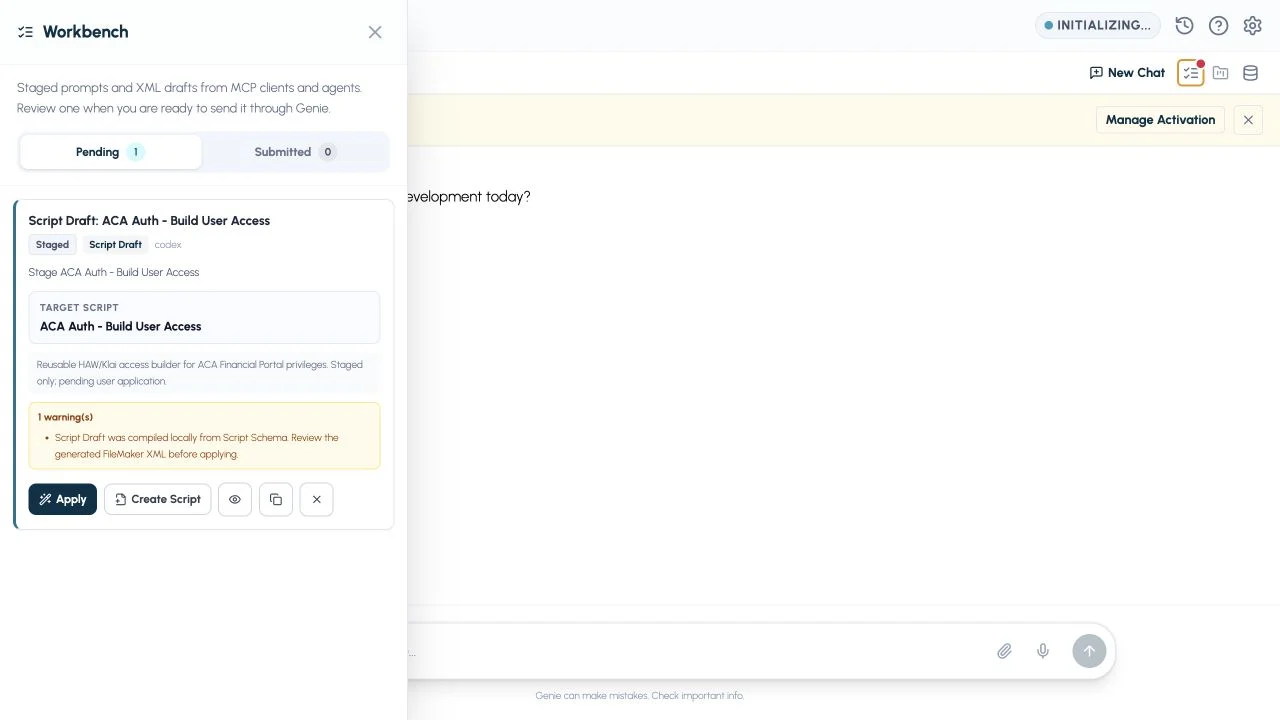
- the target script, for script edits
- the prompt, notes or a summary
- warnings, when there are any
- action buttons
New scripts have a New Script badge. Edits to an existing script have a Script Edit badge and show the target script name. The copy icon beside the name copies it.
Changes from Claude Code and Codex
Section titled “Changes from Claude Code and Codex”With Auto apply off, a change proposed by your own Claude Code or Codex appears in the conversation as a card with Apply, Review and Copy, and you decide. Workbench is the fallback: if a card cannot be delivered, the change waits under Pending. With Auto apply on, they apply supported changes directly, like Genie’s own Agent, and each change is listed under Submitted with its outcome. Claude Code and Codex.
Act on an item
Section titled “Act on an item”Depending on the item, Workbench shows:
- Preview: read the proposed change before acting.
- Run: send it to Genie, as if you had typed the prompt in the chat.
- Apply: apply the reviewed change. The usual confirmation still applies.
- Copy: copy the prompt or the change.
- Remove: dismiss it from the queue. Removing an item does not change your file.
When you run an item, Genie applies any metadata selection saved with it, adds the prompt to the chat, and shows the matching review card. Nothing changes in your file until you confirm.
Undo an Auto apply change
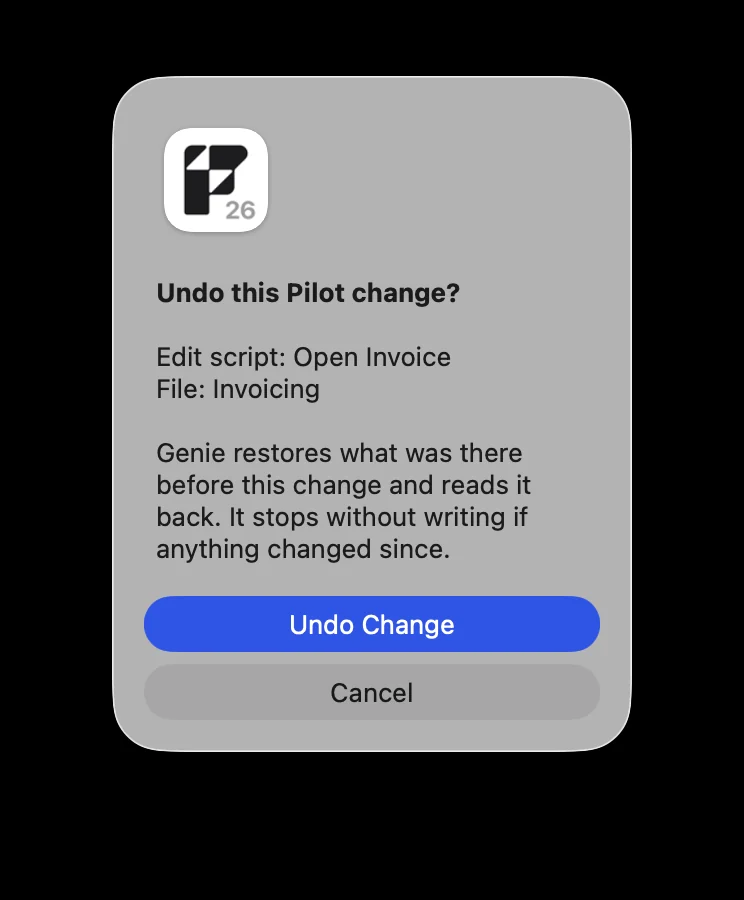
Section titled “Undo an Auto apply change”With Auto apply on, you can undo some Submitted changes from Workbench, in the same file. Genie asks for a native confirmation first.
- You can undo: edits to existing scripts, relationship edits and graph arrangement, and stored Web Viewer content.
- You cannot undo: data changes, and anything newly created (scripts, table occurrences, relationships).
See Review, Auto apply and Undo.